

Your inbox already has the signs. A tenant reports a slow overhead door. A dock leveler is waiting on parts. A fire door inspection note sits in someone's email instead of the maintenance log. By noon, you're not choosing software in theory. You're trying to keep freight moving, people safe, and documentation clean enough to survive an audit.
That's where the best building maintenance software earns its keep. The right system doesn't just create work orders. It helps teams find asset history fast, schedule preventive work before doors and docks fail at the worst time, and give technicians what they need in the field without adding office-heavy admin.
In Canada, the facility management software market is projected to grow at a 12.8% CAGR from 2023 to 2030 and reach CAD 2.1 billion by 2030, according to the market data summarized by Wowflow's Canadian building maintenance software comparison. That growth makes sense. More facilities are trying to digitize maintenance, compliance, and vendor coordination across multi-site portfolios.
For this review, the lens is practical. How well does each platform support the actual work behind commercial doors, dock equipment, access systems, and other uptime-critical assets? If you're also looking at broader process improvement, this guide to automating workflows for service businesses is worth reading alongside your CMMS shortlist.
1. Fiix by Rockwell Automation
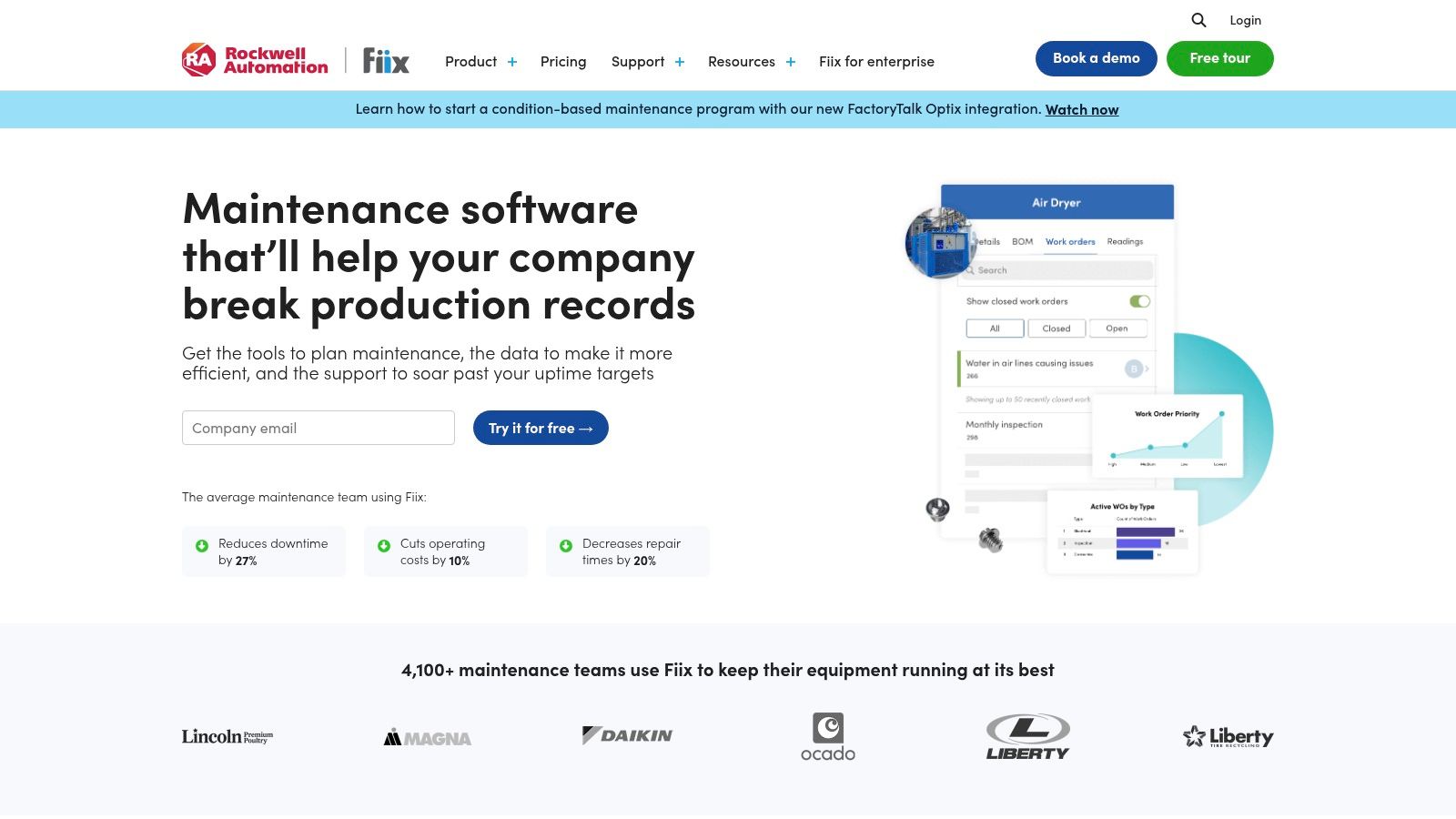
Alt text: Fiix by Rockwell Automation dashboard showing best building maintenance software for multi-site facility maintenance
Fiix fits teams that need more than a simple ticketing tool. It's a cloud CMMS with solid asset structure, preventive maintenance scheduling, parts management, mobile access, and a broad integration story through its hub and app marketplace. For facilities with many sites and many asset types, that matters.
In Western Canada, Fiix led adoption at 41% among multi-site property managers in commercial real estate, according to the data cited by Joan's building maintenance software review. That lines up with where Fiix tends to work best. It handles structured maintenance programs well, especially when leadership wants analytics around asset lifecycle decisions.
Where Fiix works best
For doors and docks, Fiix is strongest when you need disciplined repeatability across sites.
- Best fit for standard PMs: Build recurring inspections for high-speed doors, rolling steel doors, dock levelers, restraints, seals, and operators.
- Best fit for asset history: Techs can pull prior failures, parts use, and notes before they start work.
- Best fit for integration-heavy teams: If your maintenance process touches ERP, purchasing, or other systems, Fiix is built for that level of coordination.
The trade-off is complexity. Fiix gets heavier as soon as you move into deeper ERP integration or advanced analytics. That's manageable for a maintenance department with process discipline. It's less ideal for teams that need everyone productive by next week.
Practical rule: If your biggest problem is inconsistent maintenance standards across buildings, Fiix is usually a stronger pick than a lighter mobile-first app.
A related point many buyers miss is total lifecycle cost. Software only pays off when it supports better repair decisions and longer equipment life. That's the same logic behind reducing service repeat calls and avoiding premature replacement, which is why I'd pair software selection with a hard look at reducing total cost of ownership.
Visit Fiix by Rockwell Automation.
2. Maintenance Care
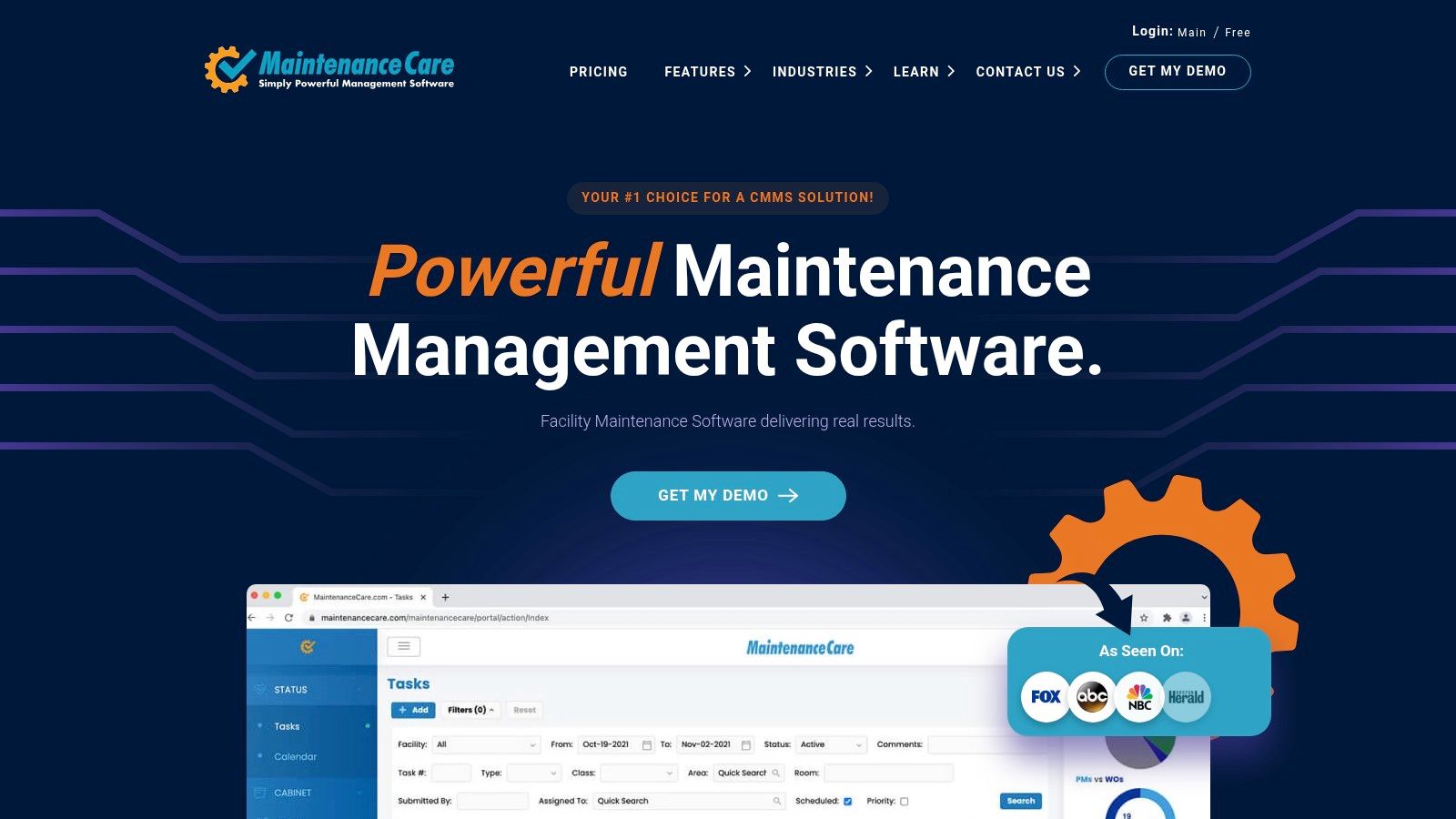
Alt text: Maintenance Care dashboard for best building maintenance software used in commercial facility maintenance
Maintenance Care is the tool I'd put in front of a team that's still half in spreadsheets and half in email. It's built around ease of use, flat-rate options, and getting maintenance requests, PMs, and asset records into one place without a long implementation cycle.
That matters because not every operation needs enterprise-level architecture. Many building teams just need cleaner intake, recurring tasks that trigger on time, and a basic mobile workflow technicians won't fight.
What it does well
Maintenance Care is practical for commercial buildings, smaller portfolios, and teams without heavy internal IT support.
- Fast start: Request handling and preventive maintenance are easy to understand.
- Unlimited-user appeal: Flat-rate structure can reduce the usual seat-licence arguments.
- Vendor and parts visibility: Enough for many property teams that need basic coordination without a full enterprise stack.
Where it falls short is depth. If you want advanced reliability analytics, complex multi-site reporting, or rich integrations into other business systems, this isn't the strongest option in the list.
That doesn't make it weak. It makes it honest. For many facilities, especially those trying to get overhead door inspections and dock equipment service out of reactive mode, a simpler system that gets used is better than a complex one that stalls in rollout.
Simple software often beats ambitious software when the real bottleneck is adoption.
Visit Maintenance Care.
3. UpKeep
Alt text: UpKeep mobile CMMS dashboard representing best building maintenance software for field technicians
UpKeep has a clear identity. It is mobile-first, technician-friendly, and built for teams that need work assigned fast in the field. If your maintenance group lives on phones and tablets more than desktops, that's a real advantage.
Canadian data summarized on UpKeep's facility management software page reports 68% user satisfaction for mobile-first work order assignment among surveyed facility managers in manufacturing, logistics, and property sectors. That makes sense from a field-service perspective. A clean mobile workflow reduces friction when a technician is standing at a jammed dock door at 2 a.m., not sitting at a desk.
Why field teams like it
UpKeep is especially useful when response speed matters more than configuration depth.
- Clean mobile app: Good for emergency call capture, photos, notes, and quick closeout.
- Multi-site support: Helpful for national or regional portfolios with repeat asset types.
- QR code workflows: Useful for tagging doors, operators, restraints, and other service points so techs can pull history on the spot.
For Wilcox-type service environments, that QR approach is practical. A tag on a rolling fire door or a dock leveler can connect a technician directly to service history, inspection notes, and recurring issues without calling the office.
The trade-off is scale complexity. UpKeep can support larger operations, but once you pile on advanced integrations and highly layered permissions, implementation gets less lightweight. It still works. It just stops being the quick, simple tool that attracted many buyers in the first place.
If your team wins or loses on technician adoption, UpKeep deserves a serious look.
Visit UpKeep.
4. Limble CMMS
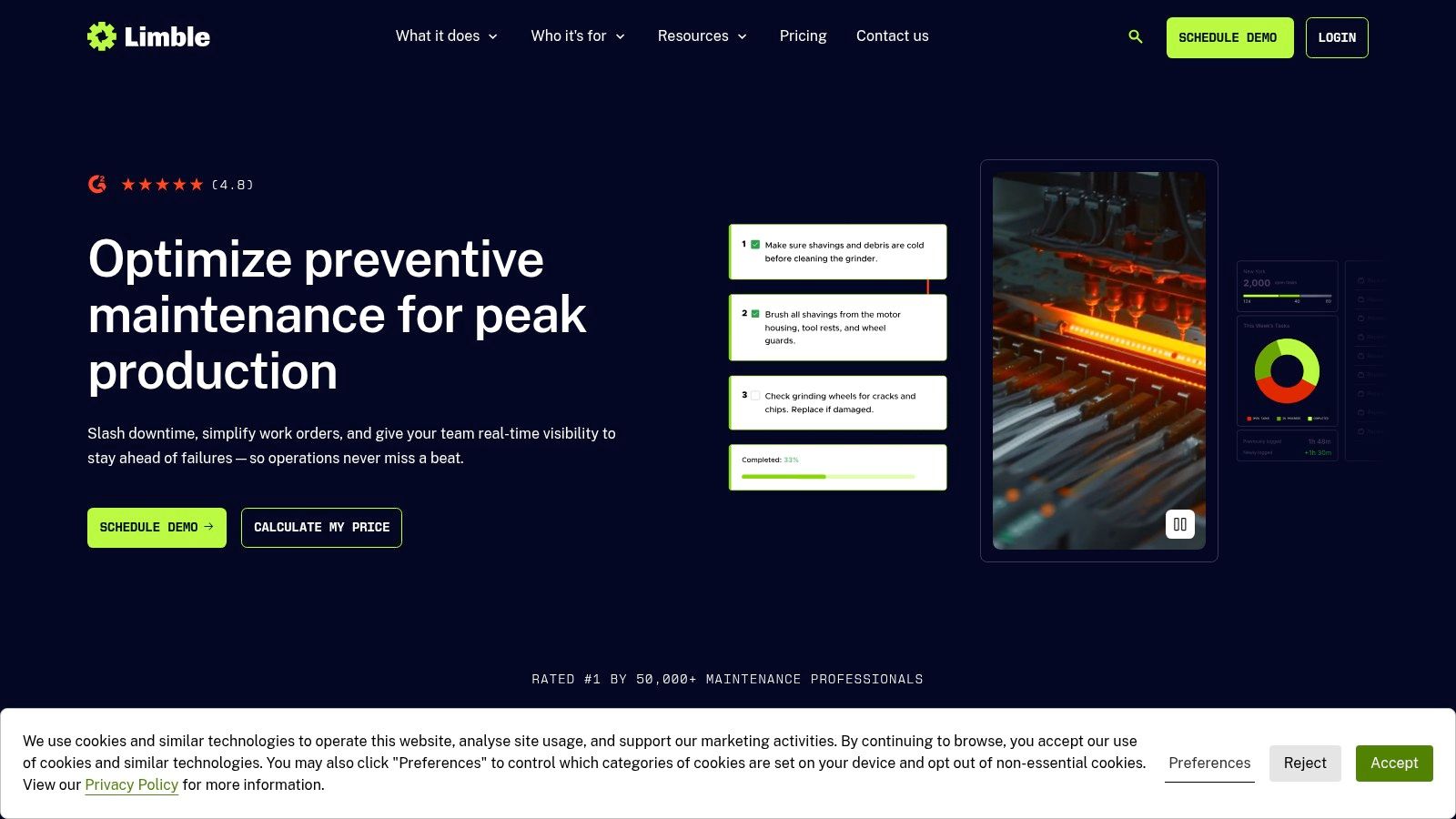
Alt text: Limble CMMS interface for best building maintenance software with QR and inspection workflows
Limble's appeal is straightforward. It gives maintenance teams a modern interface, solid mobile capability, configurable procedures, and barcode or QR support without feeling overly heavy. For many mid-sized operations, that's a good middle ground.
What stands out in practice is how well Limble handles guided procedures. That matters for inspections where consistency is everything. A technician checking a fire door, high-speed fabric door, or truck restraint needs a clear step sequence, not a vague task title.
Strong point for repeatable inspections
Limble is a good fit when your maintenance quality depends on standard work instructions.
- Conditional logic in procedures: Useful for inspection flows where the next task depends on what the technician finds.
- Offline mobile support: Helpful in large industrial sites where connectivity isn't always reliable.
- API and enterprise controls: Enough room to scale if a smaller rollout expands later.
Where buyers need to be careful is pricing clarity. Many teams won't know the true cost until they scope what they need. Also, while Limble can scale, it still feels best suited to organizations that want speed and usability first, not the deepest enterprise governance.
For doors and docks, I'd shortlist Limble when the immediate goal is cleaner field execution. If you have recurring issues like missed leveler inspections, uneven PM quality, or repeat service calls caused by poor documentation, Limble can tighten that up quickly.
A software rollout also works better when your asset records start clean. Before any migration, it helps to organize equipment by location, model, serial details, and known recurring faults. That's especially useful for portfolios with commercial and industrial doors.
Visit Limble CMMS.
5. MaintainX
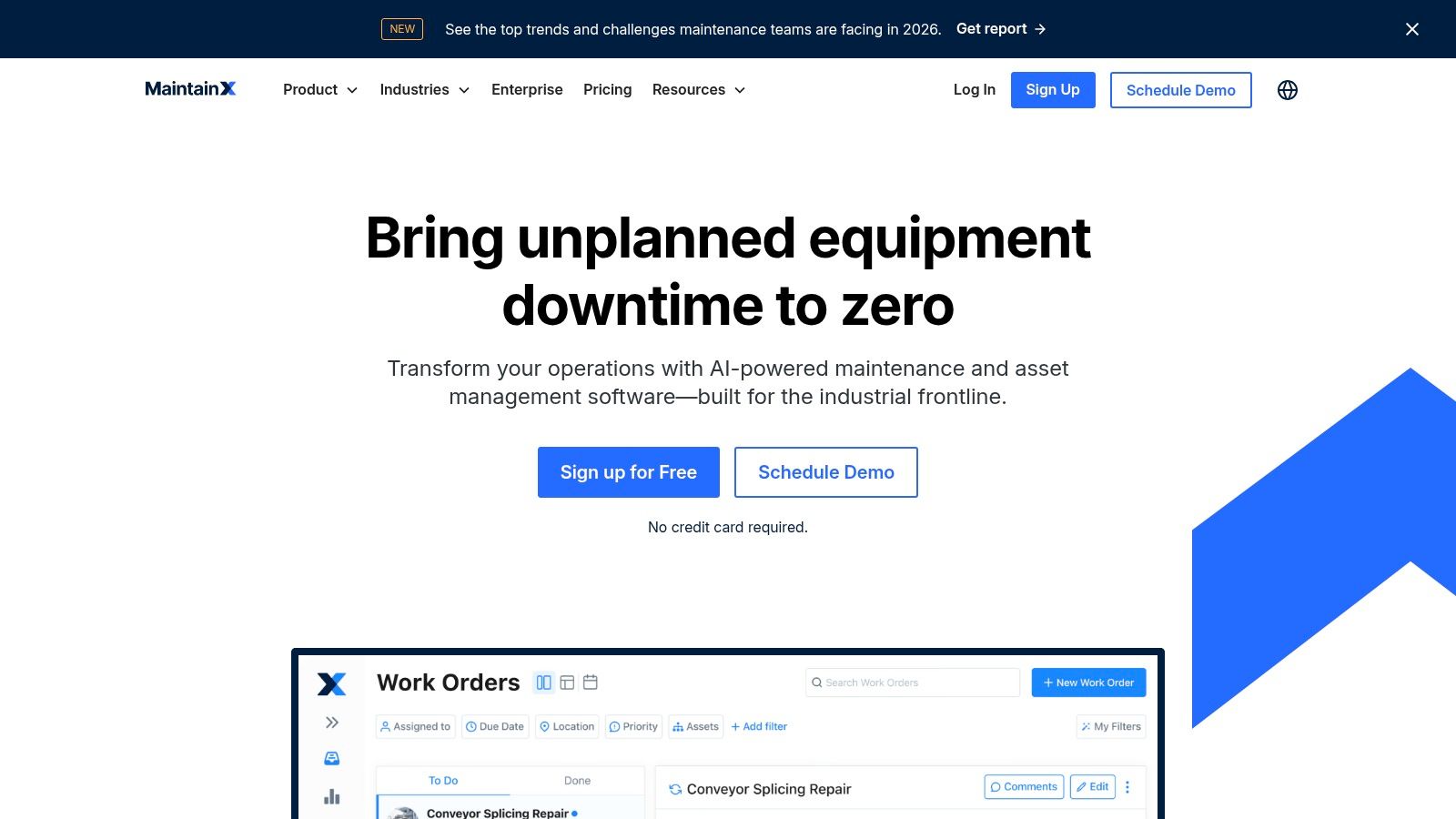
Alt text: MaintainX screen for best building maintenance software with mobile workflows and reporting
A dock door is down, a trailer is waiting, and the technician on site needs more than a work order number. They need the right checklist, the asset history, and a clean way to document what was found before that delay turns into a safety issue or a missed shipment. MaintainX handles that kind of field execution well.
From a national service partner perspective, its value is straightforward. It helps standardize work across dispersed sites without forcing every technician into a heavy desktop workflow. That matters for portfolios with rolling steel doors, levelers, restraints, operators, and other assets where missed steps create repeat calls.
Best fit for mobile-first maintenance teams
MaintainX stands out when the goal is tighter execution in the field and better accountability after the job is closed.
- Checklist-based work orders: Useful for documenting dock equipment inspections, fire and egress door checks, lockout procedures, and repair closeout steps.
- Clear mobile experience: Helps technicians capture notes, photos, and status updates quickly while they are still at the asset.
- Reporting and user controls: Gives managers visibility across internal teams, site contacts, and vendors without building every process from scratch.
For facilities leaders, the practical upside is traceability. If a high-speed door keeps failing or a dock leveler inspection was skipped last month, the record is easier to find and easier to act on.
The trade-off is scope. MaintainX is strongest when you want strong mobile adoption, consistent procedures, and cleaner work order discipline. If your program depends on deeper enterprise customization or more layered asset structures, setup can get more involved and may need added support.
I'd put MaintainX on the shortlist for multi-site operators that need technicians and contractors working from the same playbook. It is a solid choice for turning field maintenance into a process you can verify, especially where uptime and safety depend on what happens at the door, the dock, and the opening itself.
Visit MaintainX.
6. eMaint CMMS Fluke Reliability
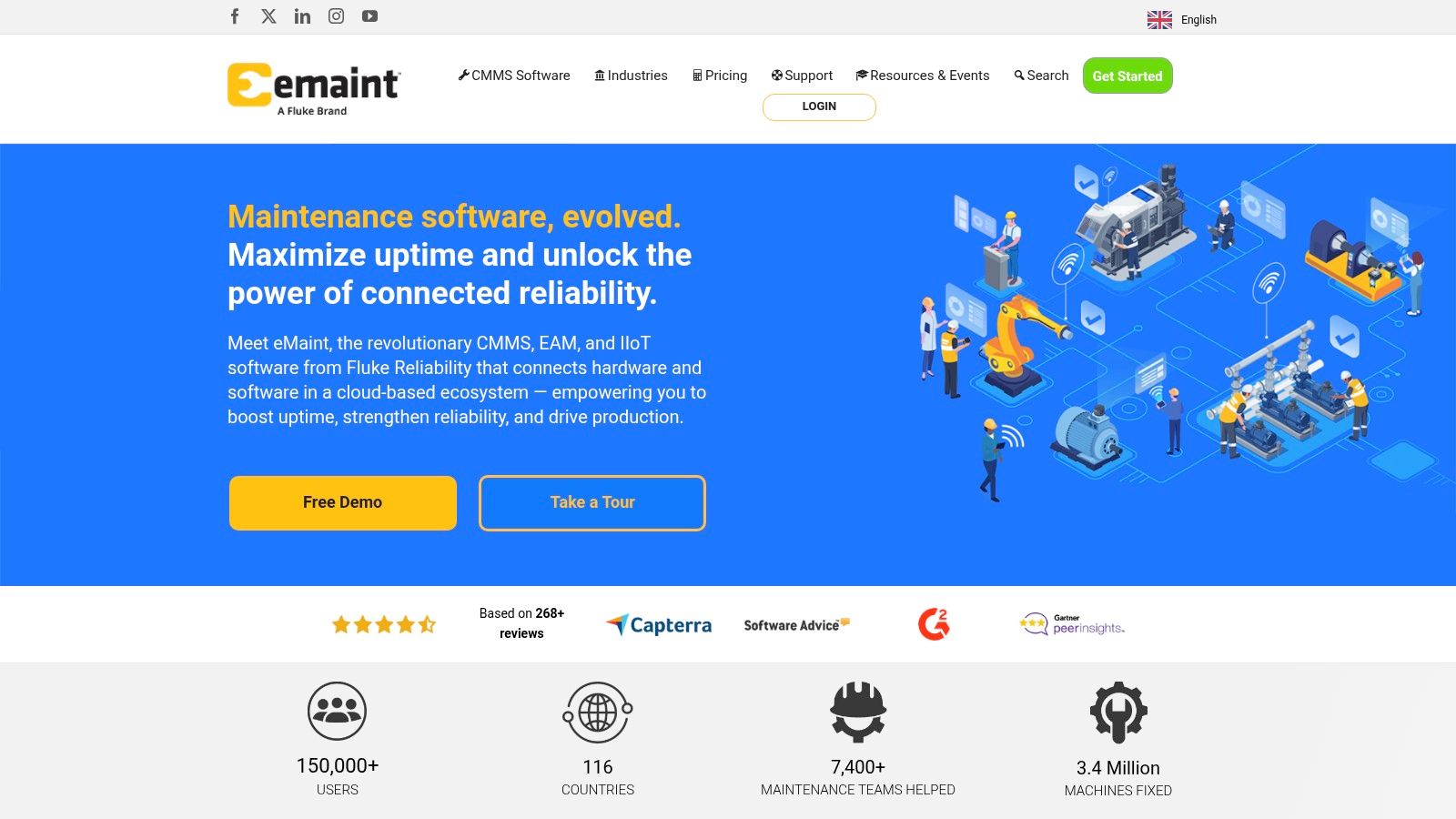
Alt text: eMaint CMMS platform screen for best building maintenance software in enterprise maintenance teams
eMaint is a mature platform. You can see that in both the feature depth and the learning curve. It suits organizations that want a more structured enterprise CMMS and don't mind investing time in setup, training, and governance.
That's a useful fit for large portfolios with serious asset complexity. If your world includes condition monitoring, layered reporting, and multiple sites that need standard templates, eMaint brings enough depth to support that.
Best use case for eMaint
I'd put eMaint higher on the list for enterprise teams than for lean property teams.
- Good for multi-site structure: Better when you need hierarchy, controls, and standardization.
- Good for vendor support: Training and account support can help teams that need guided rollout.
- Good for reliability-minded operations: Works well when maintenance is tied to broader uptime strategy.
The downside is familiar. More depth usually means more training. Frontline technicians who only need quick work order completion may find lighter platforms easier.
That doesn't mean eMaint is too much. It means you should buy it for the operation you have, not the one you imagine five years from now. If your maintenance program is already disciplined and your asset list includes critical doors, docks, conveyors, access systems, and monitored equipment, eMaint is a sensible candidate.
For facilities that also need stronger preventive planning on loading dock assets, pairing software with a clear service scope is often where significant gains show up. A review of your loading dock equipment service needs usually exposes which PM tasks belong in the CMMS first.
Visit eMaint CMMS.
7. Brightly Asset Essentials Siemens
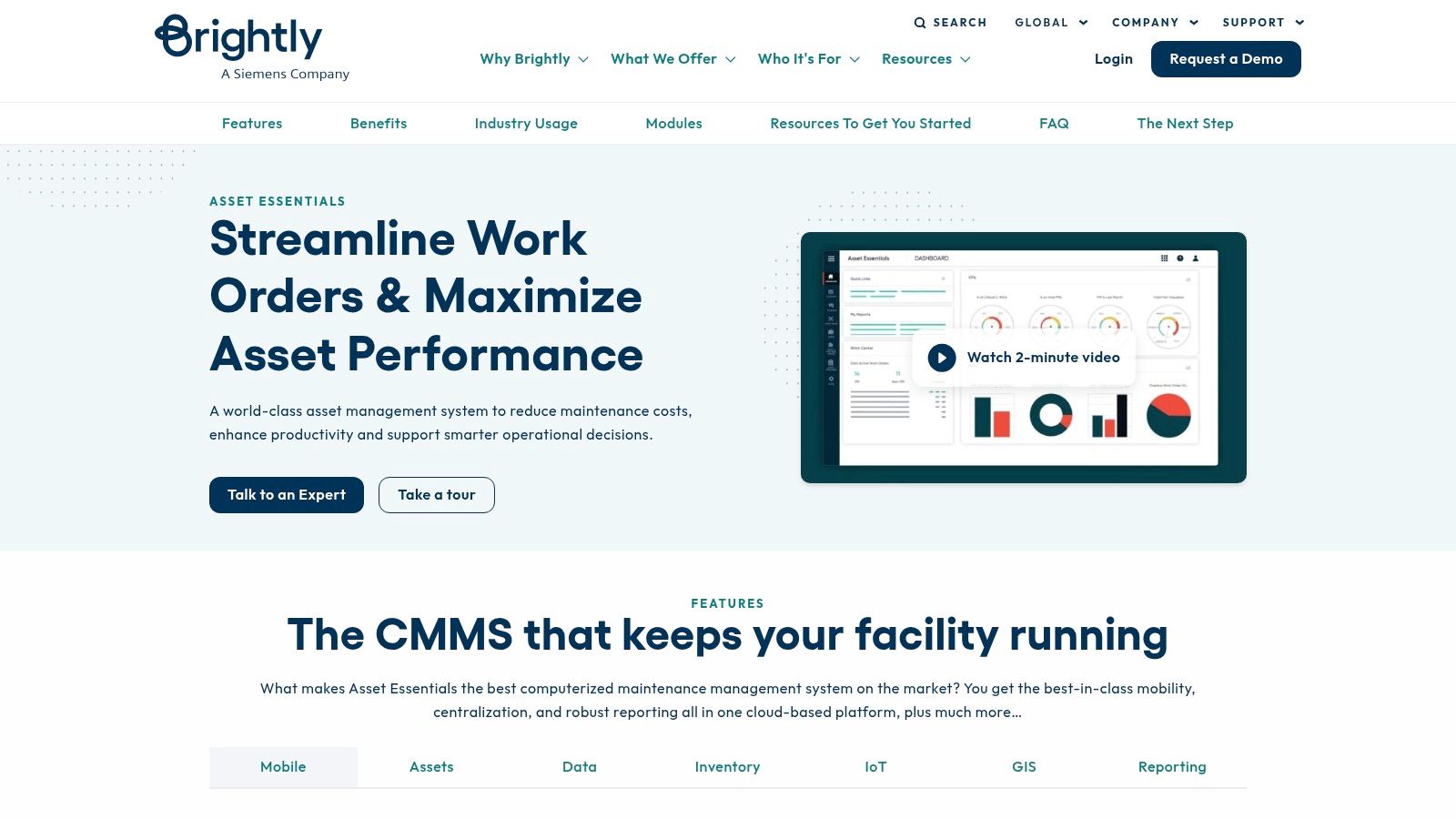
Alt text: Brightly Asset Essentials dashboard for best building maintenance software in public and multi-building facilities
Brightly Asset Essentials sits in a useful lane for government, education, healthcare, and broad facility portfolios. It handles work orders, PMs, inspections, requester workflows, and remote monitoring options through smart asset connections.
Where it tends to make sense is in mixed-asset environments. Some systems lean hard into industrial maintenance. Brightly feels more comfortable in portfolios where building operations, requester visibility, and infrastructure assets all matter.
Why public and campus portfolios consider it
Brightly works well when maintenance is one part of a wider facilities picture.
- Requester and technician portals: Good for environments with many non-maintenance users submitting issues.
- Broad asset coverage: Useful across building systems, site infrastructure, and recurring inspections.
- IoT-ready approach: Helpful if you want remote alerts feeding maintenance action.
The trade-off is cost and modularity. Quote-based pricing and adjacent modules can make the final package broader than expected. Buyers should define the exact workflow they need before they get pulled into a wider platform conversation.
For practical asset care, Brightly can be effective for pedestrian doors, entrance systems, loading areas, and campus-wide issue intake. It's less about heavy industrial depth and more about organized building operations at scale.
Visit Brightly Asset Essentials.
8. FMX Facilities Management eXpress
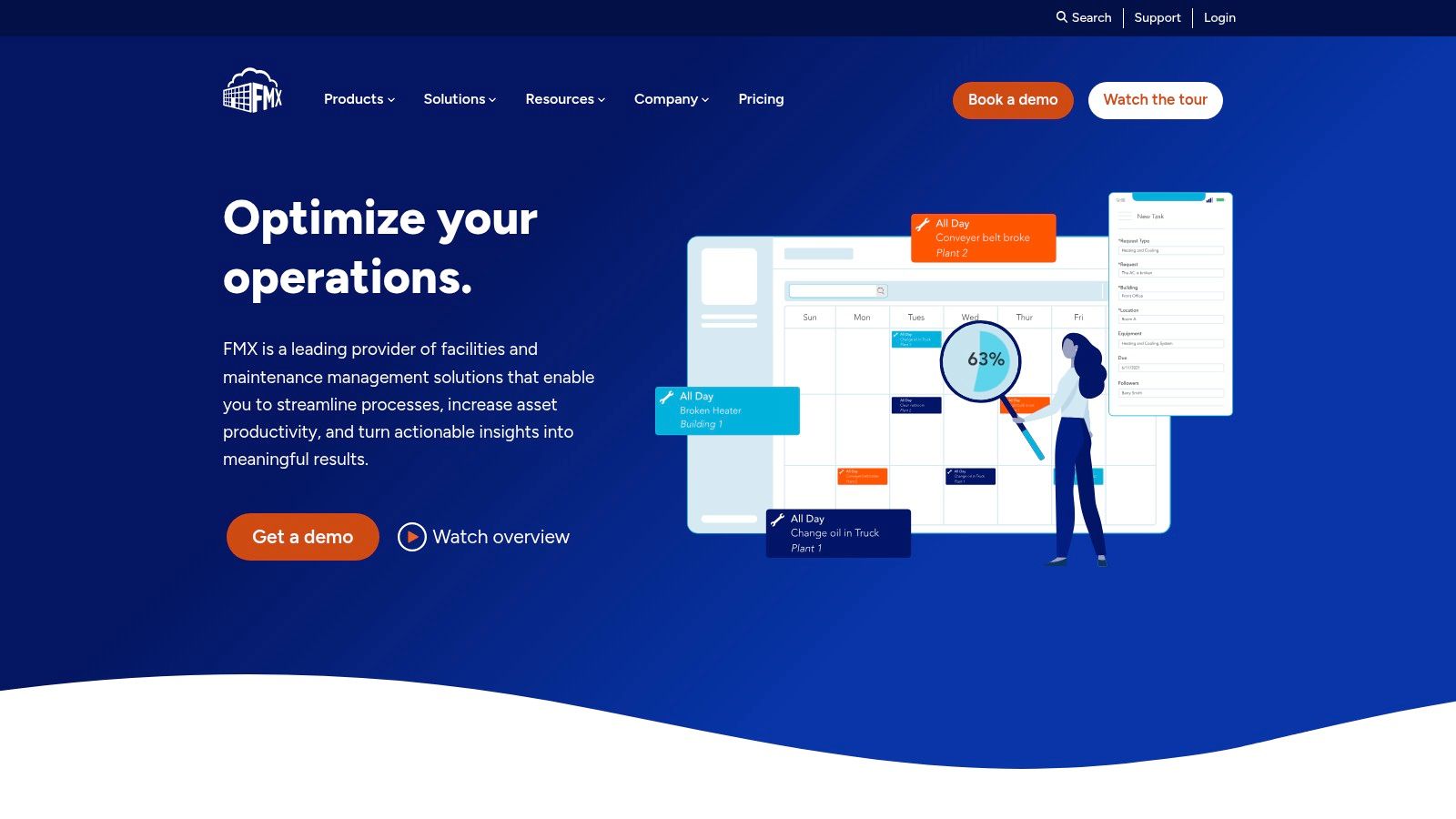
Alt text: FMX facilities management dashboard showing best building maintenance software for scheduling and work orders
FMX is often easier to understand than many enterprise CMMS tools. That's a strength. It combines maintenance, scheduling, inventory, and reporting in a way that works well for education, municipalities, and commercial facilities that need one approachable platform.
In practice, FMX tends to shine when the requester experience matters almost as much as the technician workflow. If many work orders start with office staff, tenants, school administrators, or site coordinators, a clean intake process matters.
Where FMX delivers value
FMX is a good match for facilities that need broad operational coordination, not just maintenance depth.
- Straightforward work request flow: Good for teams tired of issues arriving by email and voicemail.
- Facility scheduling tools: Useful where rooms, shared spaces, or site resources are part of daily operations.
- Implementation help: Valuable for teams that need support getting live quickly.
It's less suited to heavy enterprise asset management. If you need advanced reliability programs, condition-based maintenance, or complex ERP relationships, FMX probably won't be the final answer.
But if your biggest pain is simple and common, too many requests, inconsistent follow-up, scattered records, and no single view of maintenance status, FMX can solve that problem well.
A lot of facilities don't need the deepest software. They need software that stops work from falling through the cracks.
Visit FMX.
9. Maintenance Connection by Accruent
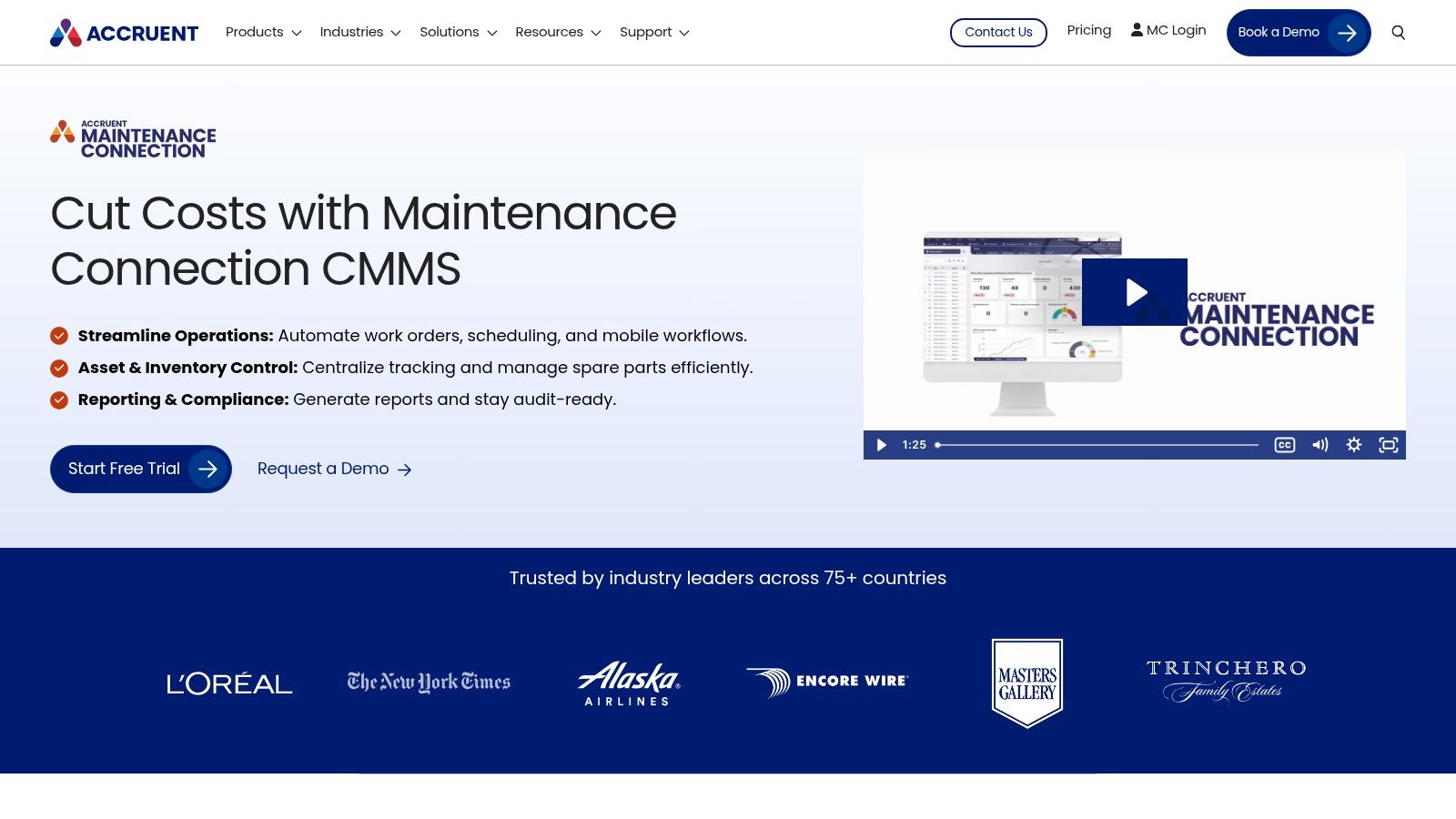
Alt text: Maintenance Connection by Accruent interface for best building maintenance software in multi-site facilities
Maintenance Connection is one of those platforms that appeals to buyers who know they need enterprise-grade structure but want a manageable starting point. Asset registry, work orders, preventive maintenance, mobile access, and reporting are all there, and the connection to Accruent's wider documentation ecosystem can be useful.
That document tie-in matters more than many buyers expect. For physical assets like fire doors, dock systems, operators, and access equipment, manuals, inspection records, and technical drawings often live in too many places. Pulling those references closer to the work order has real value.
Good fit for documentation-heavy operations
Maintenance Connection makes the most sense when maintenance and records management need to stay aligned.
- Multi-site coordination: Helpful for organizations standardizing work across properties.
- Role-based access: Useful when different teams need different levels of visibility.
- Trial availability: A practical advantage because buyers can test workflow fit before a bigger commitment.
The usual caution applies. Enterprise depth can bring onboarding effort with it. If the team running the software won't maintain structure and naming discipline, the platform can become cluttered.
For real-world facilities work, I'd look at Maintenance Connection if your issue isn't just scheduling PMs. It's also controlling documentation, consistency, and accountability across sites.
Visit Maintenance Connection by Accruent.
10. Building Engines Prism JLL
Building Engines is built for commercial real estate first. That means tenant service, inspections, work orders, vendor workflows, and bill-backs are central to the product, not an add-on. If you manage office, industrial, retail, or mixed-use properties, that matters.
This is not the tool I'd lead with for a manufacturing plant that lives and dies by maintenance reliability engineering. It is a strong option for property managers who need maintenance control tied closely to tenant experience and portfolio operations.
Best for property-led operations
Building Engines stands out where maintenance and tenant service overlap every day.
- Tenant portal and service workflows: Good for portfolios where requests need to be visible and trackable by occupants.
- Vendor coordination: Useful for outsourced service models and approval workflows.
- API-first architecture: Helpful when you need to connect the platform to other property systems.
For doors and docks, the practical value is clear in multi-tenant industrial buildings. When a tenant reports a damaged dock door, failed grille, or recurring access issue, the software can route the work, track the vendor, and support chargebacks if the workflow is set up properly.
The limitation is specialization. A commercial real estate platform won't always go as deep into maintenance detail as a general CMMS or enterprise EAM. That's fine if your main problem is operational coordination across buildings rather than advanced reliability analysis on every asset.
Visit Building Engines.
Top 10 Building Maintenance Software Comparison
| Product | Core features | UX / Quality ★ | Value / Price 💰 | Target audience 👥 | Unique selling points ✨/🏆 |
|---|---|---|---|---|---|
| Fiix by Rockwell Automation | CMMS: WOs, PMs, assets, mobile, Integration Hub, AI Asset Risk Predictor | ★★★★ | 💰 Public entry tiers; mid→enterprise pricing | 👥 Multi‑site industrial & facilities | ✨ Strong integrations & AI risk prediction, 🏆 Rockwell backing |
| Maintenance Care | Unlimited WOs (Enterprise), PMs, vendor/parts, mobile | ★★★ | 💰 Free‑forever small tier; flat‑rate plans | 👥 Property, healthcare, commercial sites | ✨ Unlimited‑user options reduce seat fees, quick start |
| UpKeep | Mobile‑first WOs, PMs, offline, multi‑site, AI assistant (Nova) | ★★★★ | 💰 Public starting price; add‑ons raise cost | 👥 Technicians, plant & facility teams | ✨ Clean mobile UX, Nova AI for admin tasks |
| Limble CMMS | WOs, PMs, barcode/QR, custom procedures, API/SSO | ★★★★ | 💰 Free Basic; paid plans for unlimited features | 👥 Small→growing multi‑site operations | ✨ Configurable checklists, API for scaling |
| MaintainX | Mobile workflows, checklists, audit trails, KPI reports | ★★★★ | 💰 Quote/tiers; common paid plans | 👥 Facilities & manufacturing teams | ✨ Strong out‑of‑box KPI reporting, rapid tech adoption |
| eMaint (Fluke) | Advanced WOs, PMs, dashboards, dedicated support | ★★★★ | 💰 Higher starting price; enterprise tiers | 👥 Large multi‑site enterprises | ✨ Robust enterprise features, Fluke ecosystem support |
| Brightly Asset Essentials | WOs, PMs, IoT Smart Assets, role portals | ★★★★ | 💰 Quote‑based; implementation costs possible | 👥 Govt, education, healthcare, campuses | ✨ IoT remote monitoring, Siemens/Brightly backing |
| FMX (Facilities Mgmt eXpress) | WOs, PMs, inventory/barcode, scheduling, FCA services | ★★★☆ | 💰 Quote + one‑time implementation | 👥 Education, municipalities, commercial sites | ✨ Facility scheduling + optional condition assessments |
| Maintenance Connection (Accruent) | Asset registry, WOs, PMs, EDMS integrations, mobile | ★★★★ | 💰 Quote‑based; modular pricing; free trial | 👥 Multi‑site organizations needing document mgmt | ✨ Accruent integration, free trial for evaluation |
| Building Engines (Prism) – JLL | WOs, PMs, inspections, tenant portal, AI insights | ★★★★ | 💰 Sales/quote pricing; premium tier | 👥 Commercial real‑estate & property managers | ✨ Tenant billing workflows, Prism AI for NOI focus |
Final Thoughts
A dock door goes down at 5:40 a.m., trucks are stacking up, and the technician on site needs the last service note before touching the operator or the leveler. That moment decides whether your software is useful or just another system people work around.
From a national facility service partner perspective, the best platform is the one that supports the field under pressure. It should let a technician find asset history fast, close out work clearly, and document what happened in a way the site team can trust later. For physical assets like high speed doors, dock levelers, vehicle restraints, gate operators, and fire doors, that matters more than a polished demo.
A good final check is simple. Can the system help your team answer a few operational questions without delay?
- Can a technician pull service history on a phone while standing at the asset?
- Can you schedule recurring inspections and PM tasks based on how the equipment wears in service?
- Can the asset hierarchy match the way your buildings, docks, and openings are organized in the world?
- Can managers produce inspection and repair records that hold up during audits, safety reviews, and customer questions?
- Can the field complete work quickly enough that adoption stays high?
Software also needs to fit the maintenance program behind it. Coast's building maintenance software review points out a problem many facility teams already know firsthand. A CMMS does not solve compliance or recordkeeping by itself. It has to be configured around the inspections, deficiencies, approvals, and closeout records your assets require.
That is especially true in warehouse and distribution environments. Doors and dock equipment affect shipping flow, site security, worker safety, and energy loss at the opening. If those assets are buried under generic building records, response slows down and recurring failures get missed. We see that gap often when organizations have software in place but still rely on phone calls, inbox searches, and technician memory to reconstruct what happened at a problematic opening.
The better results usually come from combining three things: a platform the field will use, clean asset data, and service procedures that reflect real equipment behavior. Wilcox Door Service Inc. fits into that picture as a national service partner for commercial and industrial doors, loading docks, access systems, inspections, repairs, and planned maintenance programs.
Choose the software that helps your team keep assets available, safe, and documented. Then build the maintenance process around the equipment that causes the biggest operational hit when it fails.
If you're reviewing software and want the maintenance side grounded in real asset behaviour, contact Wilcox Door Service Inc. to discuss inspections, planned maintenance, or a quote for your doors, docks, and access equipment.